
About Q Fitness
Many studios lose members or prospects for exactly two reasons: either they can't respond to messages fast enough because the team is constantly busy, or inquiries come in outside business hours, where they go unanswered and get picked up faster by the competition. And the worst part: studios don't even notice, because they never see these inquiries in the first place. They simply disappear without a trace, and when it comes down to it, prospects even cancel their membership or switch to a competitor.
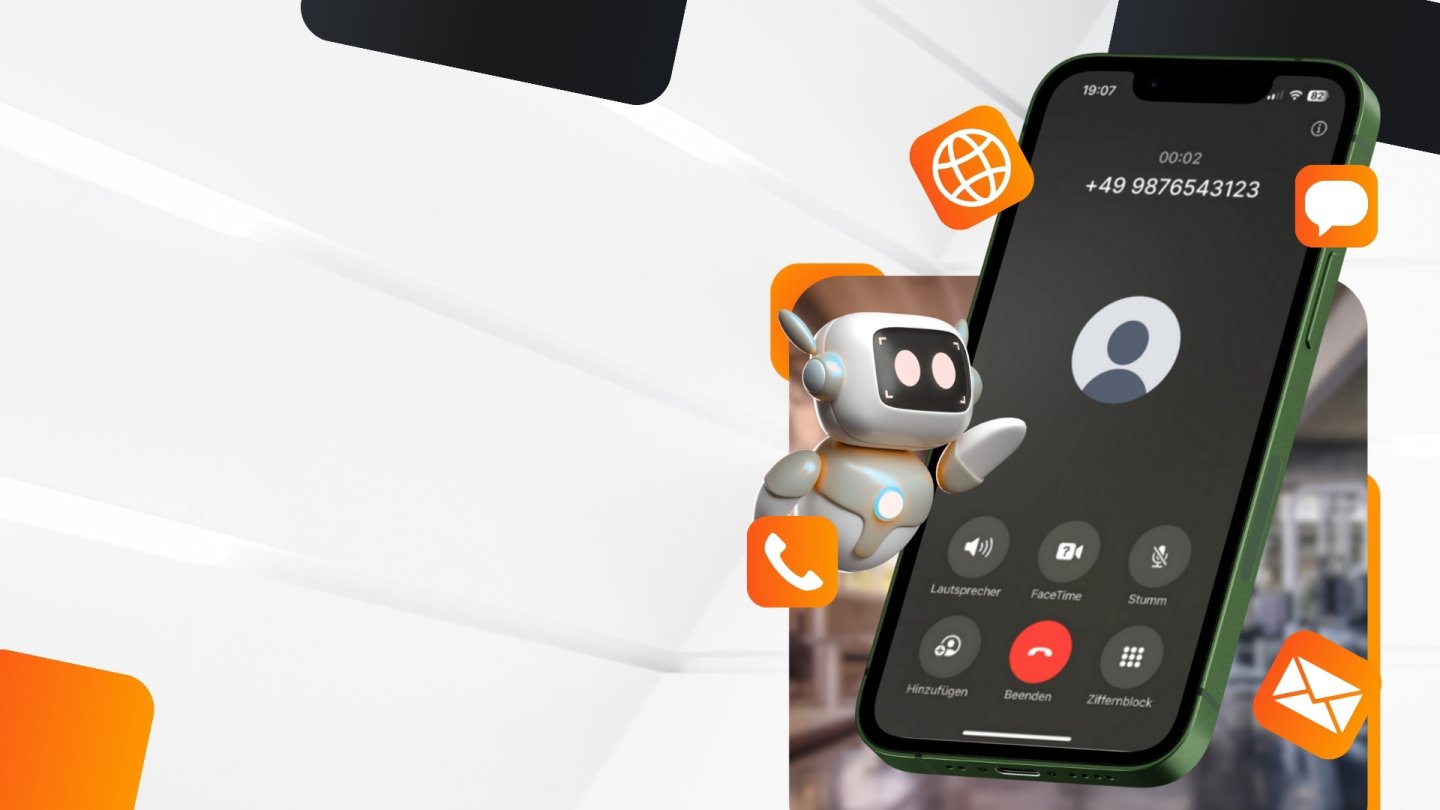
With the Q Fitness software, this can be solved for good: create a personalized AI assistant with the Q Fitness team that manages memberships, appointment bookings and inquiries completely on its own. Via phone, email, Instagram, Facebook, WhatsApp, or directly through the studio's website. The studio reachable 24/7. No inquiry left unanswered. And the team can fully focus on what matters: the members. Fully GDPR and EU AI Act compliant. Built for the German fitness market.
Benefits for you
24/7 availability, even outside business hours
The team can fully focus on classes and members
Automatic membership and appointment bookings
Capturing prospects that would otherwise be missed
GDPR compliant and EU AI Act compliant
Most relevant functionalities
Switch, pause or cancel a membership – including withdrawing a submitted cancellation
Information on contract details: rate, price, term and cancellation period
Payment processing for new memberships via a secure payment link, booked directly in Magicline
Update contact details such as phone, email or address at the member's request
Check studio utilization and current capacity in real time
View a member's check-in history
Manage communication preferences (email, SMS, post)
Ongoing automatic sync of members, staff, classes, rates and opening hours between Magicline and Q Fitness
Set up interface
Unfortunately, the integration of Q Fitness isn't available for gyms located in your country () and therefore cannot be activated in the Magicline.
Please make sure that your Magicline package supports the setup of one or multiple partner integrations in order to activate this interface.
You're not yet using Magicline? Simply start the free demo or let yourself be convinced of the benefits of Magicline in a personal conversation.
Step 1: Without an existing Q Fitness account, first schedule a free demo call via the consultation link below to set up an account.
Step 2: Activate the integration in Magicline. Setup in Q Fitness then happens automatically, and a notification is sent by email once it's complete.
Step 3: Complete the setup in Q Fitness.