About iDTRONIC
Access control from one source – directly connected to Magicline
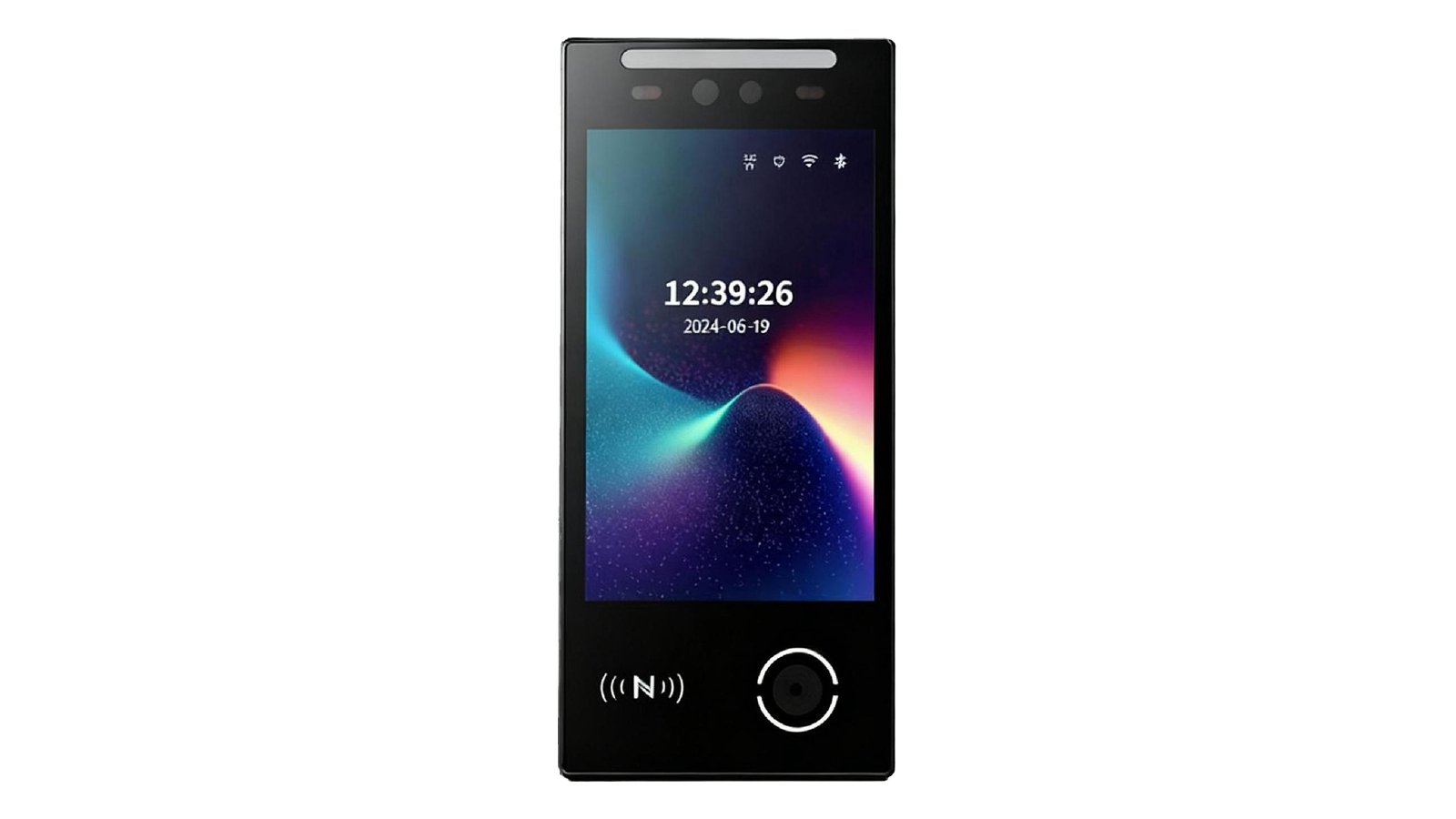
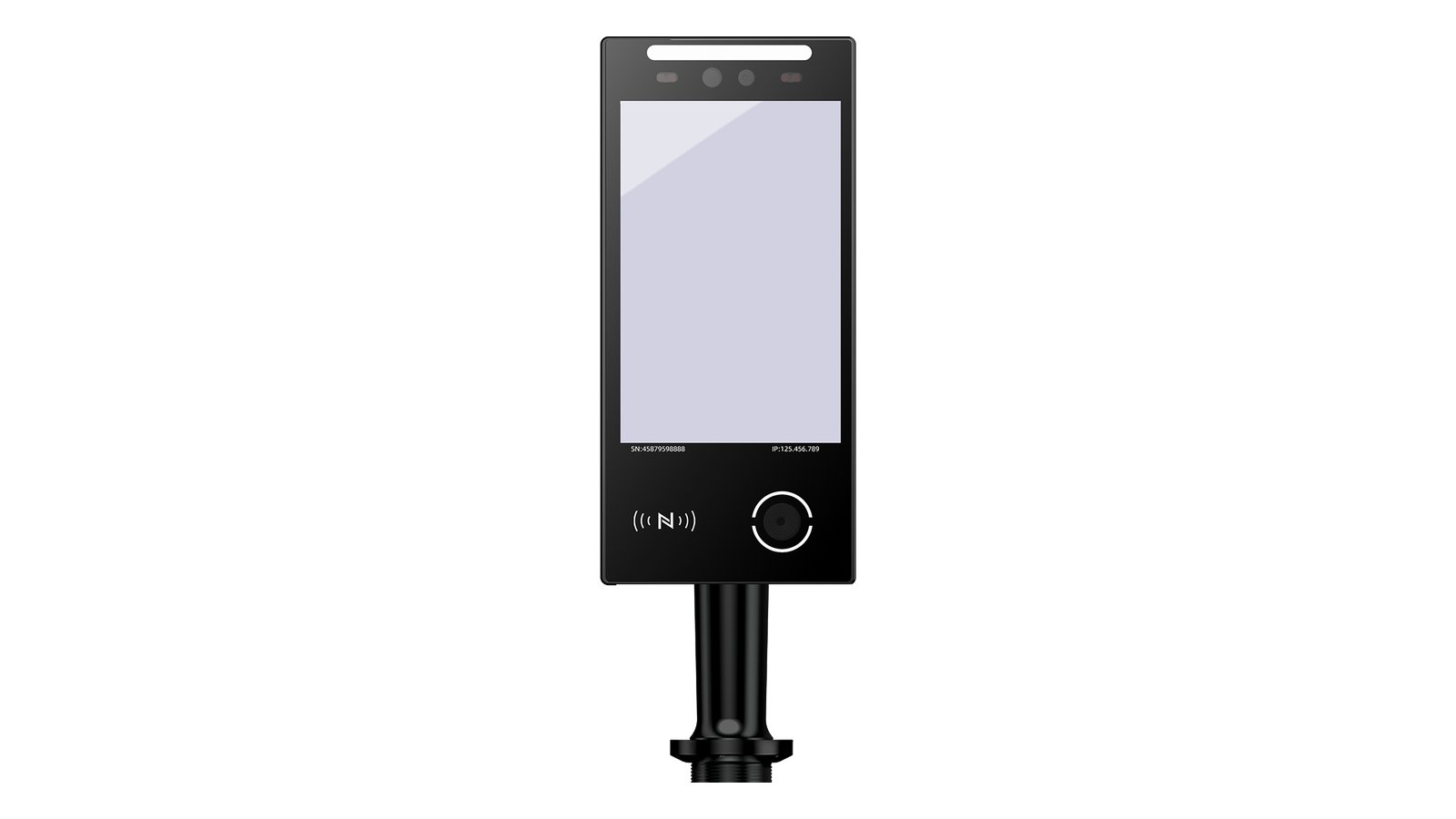
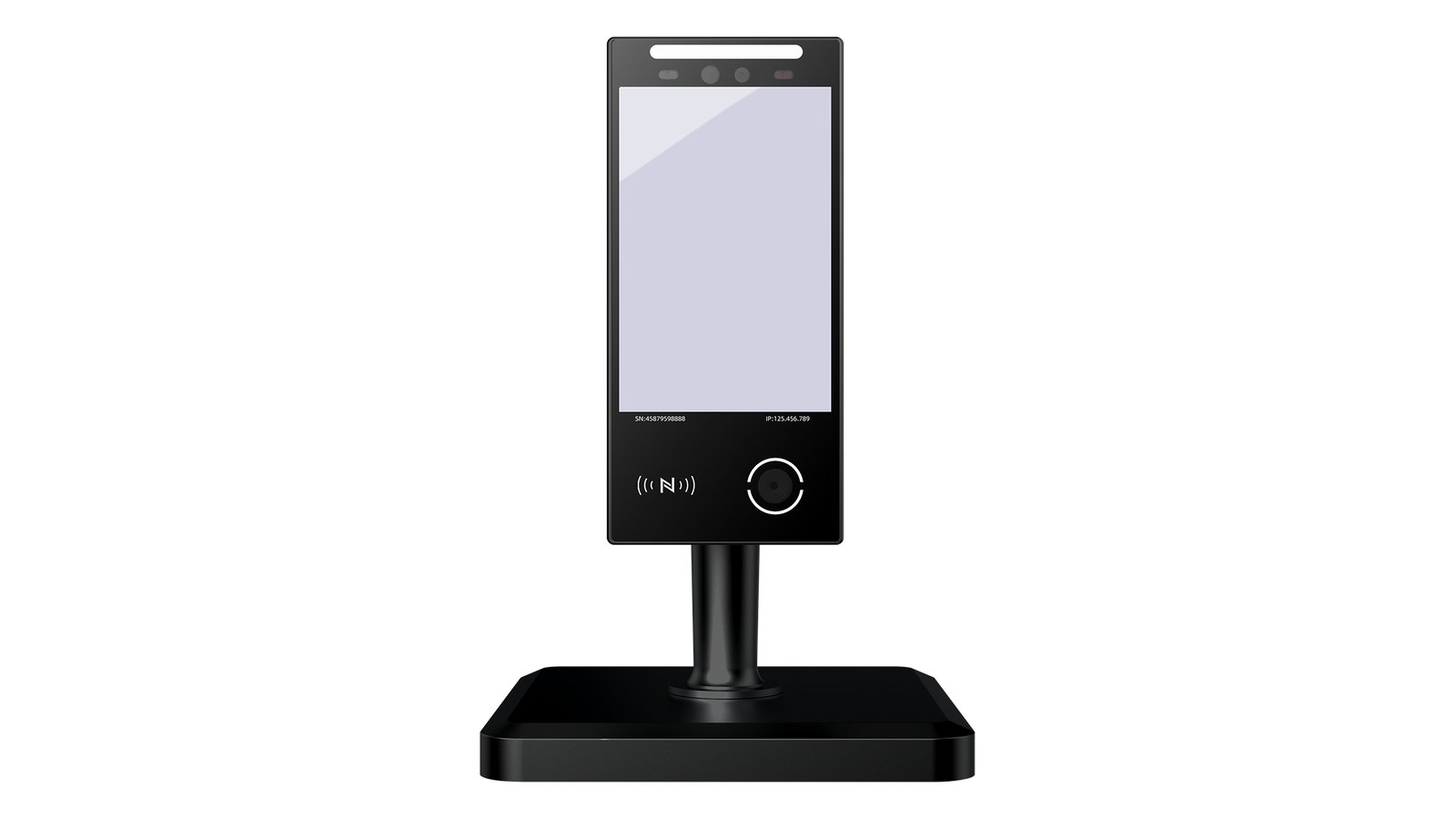
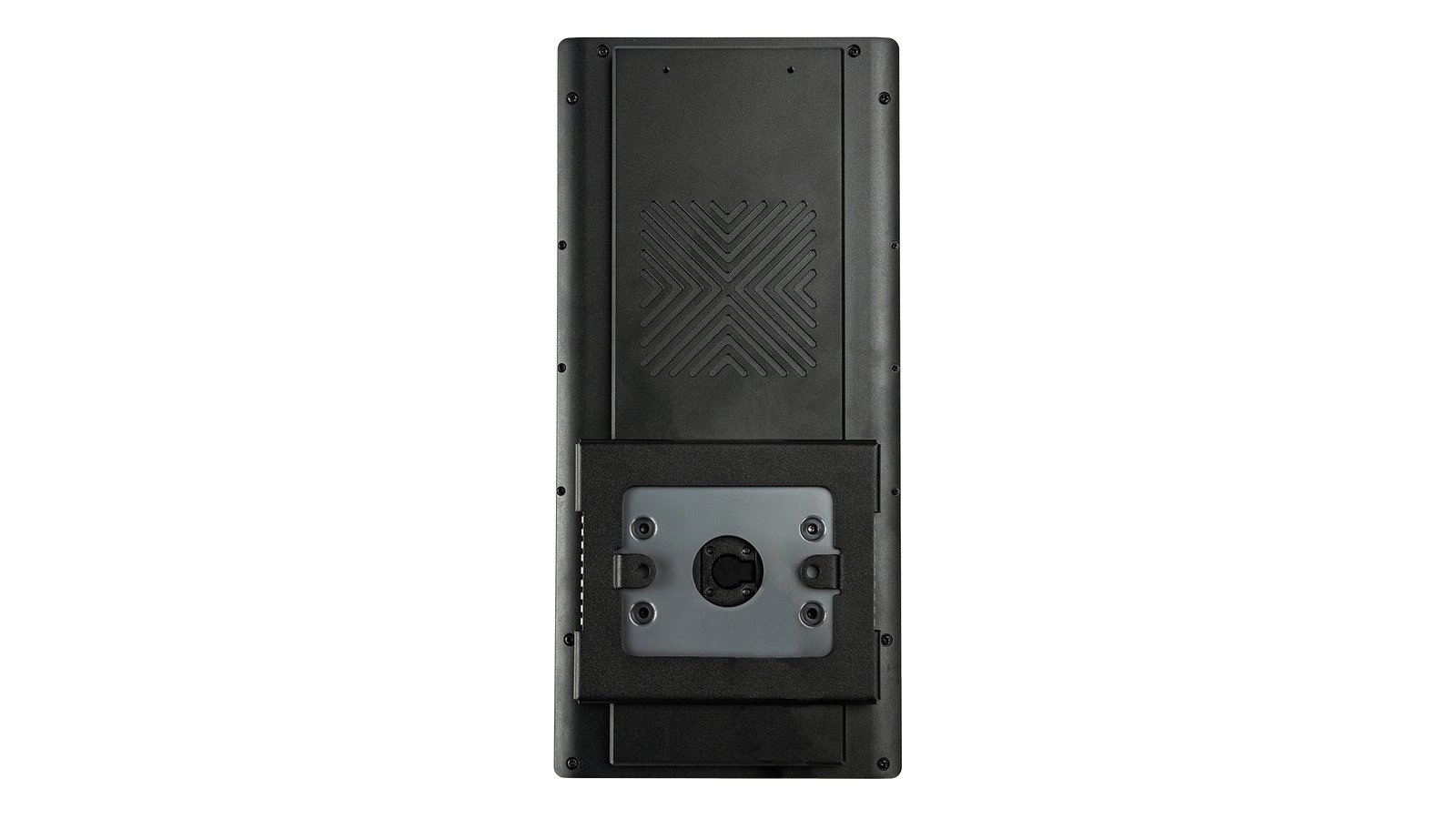
ID Connect is iDTRONIC's on-premise middleware for fitness studios. It connects iDTRONIC entrance readers such as the ID INFO 9000 directly to Magicline. Members check in with an NFC/RFID card, a QR code or face recognition – at the same door.
On every scan, ID Connect verifies the credential in real time via the Magicline interface. Magicline's response decides whether the door or turnstile opens. All membership contracts and access rules stay in Magicline – ID Connect stores no member master data, only a local log of access decisions.
Processing takes place on-site in the studio. Magicline studios get modern, contactless entrance hardware that works with their existing Magicline setup – with no custom development.
Benefits for you
One system for all credentials: card, QR code and face
Real-time verification of every check-in directly against Magicline
Memberships and access rules stay centrally in Magicline
No member master data in the access system – on-site processing
Less front-desk workload through automated check-in
Fast, contactless entry for a modern member experience
Plug-and-play hardware and software from one source
Scales from the main entrance to every internal door
Most relevant functionalities
Multi-credential check-in: NFC/RFID (13.56 MHz), QR code and face recognition
Face recognition in under 0.3 s with 2 MP RGB/IR camera (ID INFO 9000)
Automatic door release via built-in relay or turnstile connection
Configurable fallback on connection errors (fail-secure)
Local event log of all access decisions
Zero-trust device management: new readers only active after approval
Web dashboard in English and German
Compatible with ID INFO 9000, ID INFO 7000, ID INFO 4000, ID IDENT 5000 and ID ACCESS 1000 PoE
Set up interface
Please make sure that your Magicline package supports the setup of one or multiple partner integrations in order to activate this interface.
You're not yet using Magicline? Simply start the free demo or let yourself be convinced of the benefits of Magicline in a personal conversation.
Requirement: your Magicline plan supports partner integrations
Install iDTRONIC readers (e.g. ID INFO 9000) and ID Connect in the studio – contact iDTRONIC for this
Activate the ID Connect app in Magicline Studio under Settings → Integration
Create one device per entrance in Magicline
In the ID Connect dashboard, load the Magicline devices and pair them with the readers – done