
About Beckon Access Control
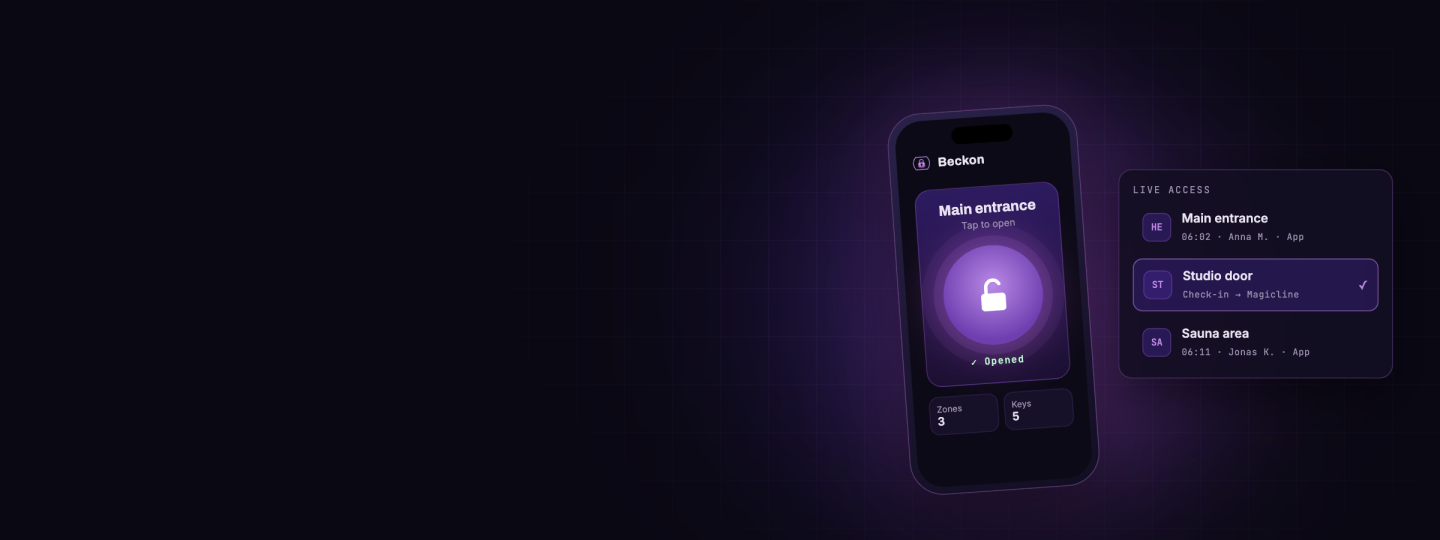
Beckon Access Control turns the smartphone into the membership key. Members open doors and gates with the Beckon app – no extra card, fob or PIN needed.
Magicline remains the leading system. When a member is created, changed, suspended or deleted, Beckon Access Control applies the change as soon as Magicline reports it, so the permission at the door is correct within the same minute. Contracts, cancellations, access restrictions, idle periods and returned direct debits are taken into account; an hourly reconciliation catches anything that triggers no notification.
In return, every door access is reported to Magicline as a check-in, so studio reporting stays complete. The Beckon controller decides at the door itself, so entry keeps working even if the internet connection drops.
Benefits for you
Members open doors and gates with their smartphone – no cards, key fobs or PINs to hand out
Magicline stays the leading system – access is never maintained twice
New, changed, suspended and deleted members take effect within the same minute
Contracts, idle periods, access restrictions and payment status decide automatically who gets in
Every door access is recorded in Magicline as a check-in
Existing members are imported once – without activation codes, text messages or fees
Entry keeps working even if the internet connection drops
Most relevant functionalities
- Opening with the smartphone
Members open doors and gates with the Beckon app
One app for every door a member is allowed to use
No cards, key fobs or PINs to hand out, collect or replace
- Member synchronisation from Magicline
New members in Magicline are created in Beckon Access Control automatically
Changes to member master data are applied
Suspended members lose access
Deleted members are removed
Changes take effect as soon as Magicline sends the webhook – within the same minute
An hourly reconciliation catches everything that triggers no notification, such as an expiring contract
- Access rules from Magicline
The member status in Magicline decides about access
Access ends together with the contract
Access restrictions set in Magicline are respected
No access during an idle period
Returned direct debits block access until the payment is settled – access is restored automatically
When in doubt, access is refused
- Check-ins in Magicline
Every door access is booked as a check-in for the member in Magicline
Attendance figures and check-in history in Magicline stay complete
- Import of existing members
Existing members are imported from Magicline once
No activation codes, text messages or fees are sent during the import
The studio decides when activation codes are sent to members
- Door and operation
The Beckon controller decides at the door itself – entry keeps working offline
All locations, doors and zones are managed in one Beckon Access Control portal
Set up interface
Unfortunately, the integration of Beckon Access Control isn't available for gyms located in your country () and therefore cannot be activated in the Magicline.
Please make sure that your Magicline package supports the setup of one or multiple partner integrations in order to activate this interface.
You're not yet using Magicline? Simply start the free demo or let yourself be convinced of the benefits of Magicline in a personal conversation.
Make sure your Magicline package supports partner integrations and activate Beckon Access Control in the Magicline Marketplace.
Note your Magicline tenant name – it is the subdomain under which you open Magicline.
In Magicline, create an Open API key for Beckon Access Control with the scopes CUSTOMER_READ, MEMBERSHIP_READ, STUDIO_READ, CHECKIN_READ and CHECKIN_WRITE.
Contact Beckon Access Control support to receive the webhook address for your region and agree on a webhook key.
In Magicline, set up webhooks to that address for members, access restrictions, contracts, idle periods, payments, check-ins and check-outs, access media and master data, and send the webhook key in the X-API-KEY header.
Together with Beckon Access Control support, enter the tenant name, Open API key and webhook key in the Beckon Access Control portal under Settings → Magicline and save, with the integration still inactive.
Activate the integration and save again – from now on, webhooks are processed and the hourly reconciliation runs.
Start the one-time import of existing members; it runs with the next hourly reconciliation.
Check the imported members in the Beckon Access Control portal and then send the activation codes to your members.
Beckon Access Control support confirms the connection – members can now open doors with the Beckon app.