
About airtango Classes
With airtango Classes, the class schedule managed in Magicline becomes an integral part of your studio’s digital communication.
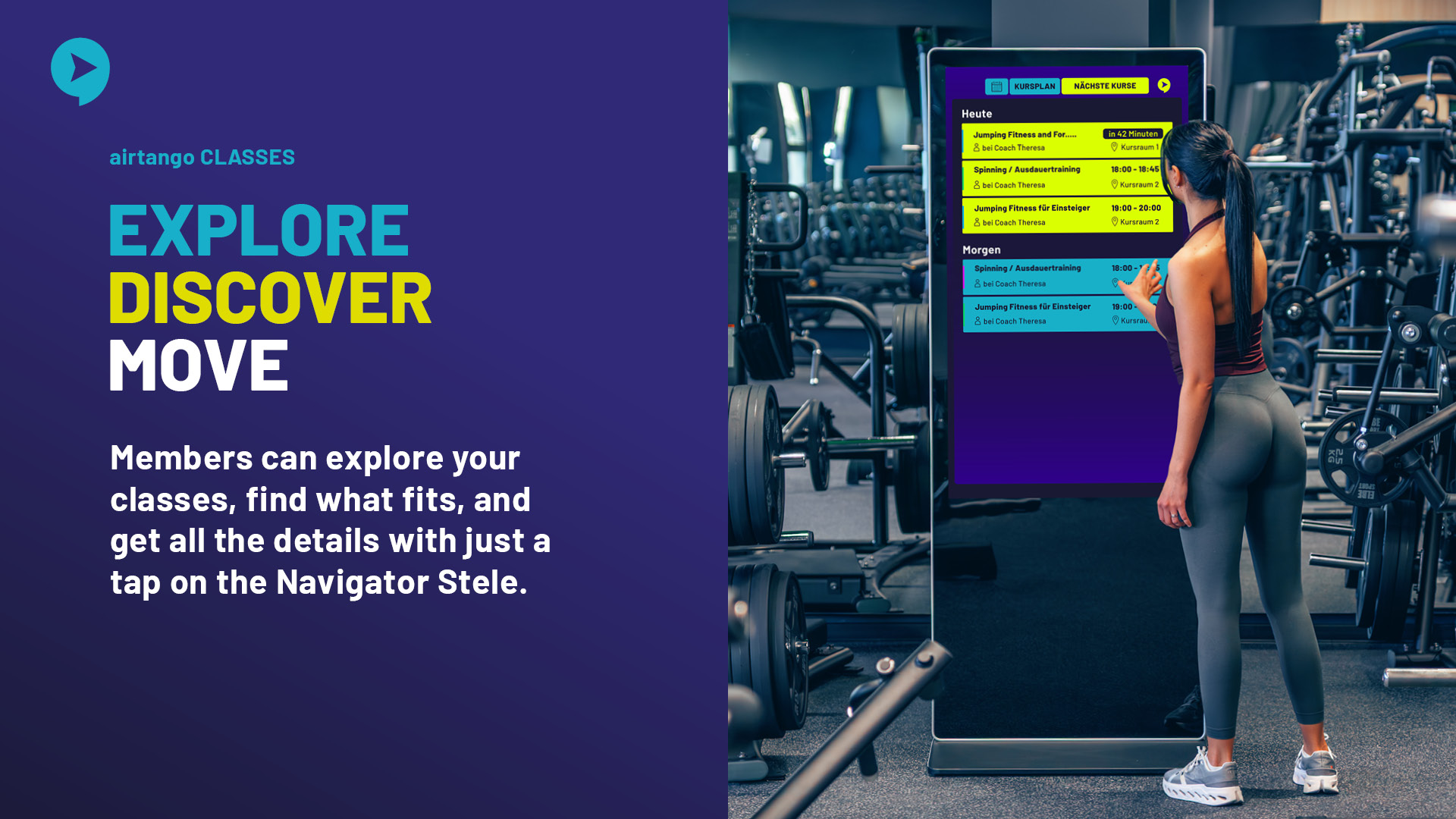
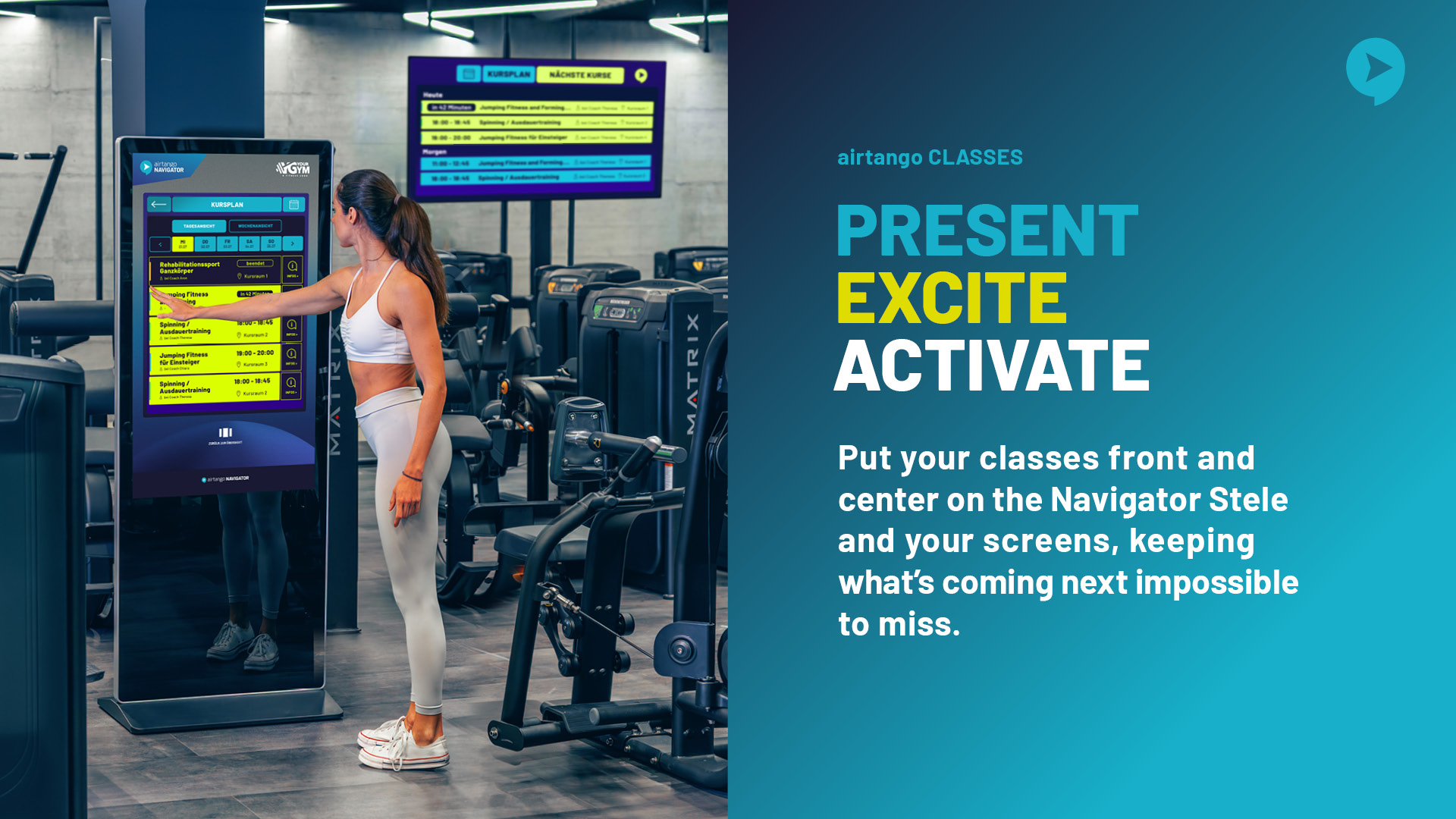
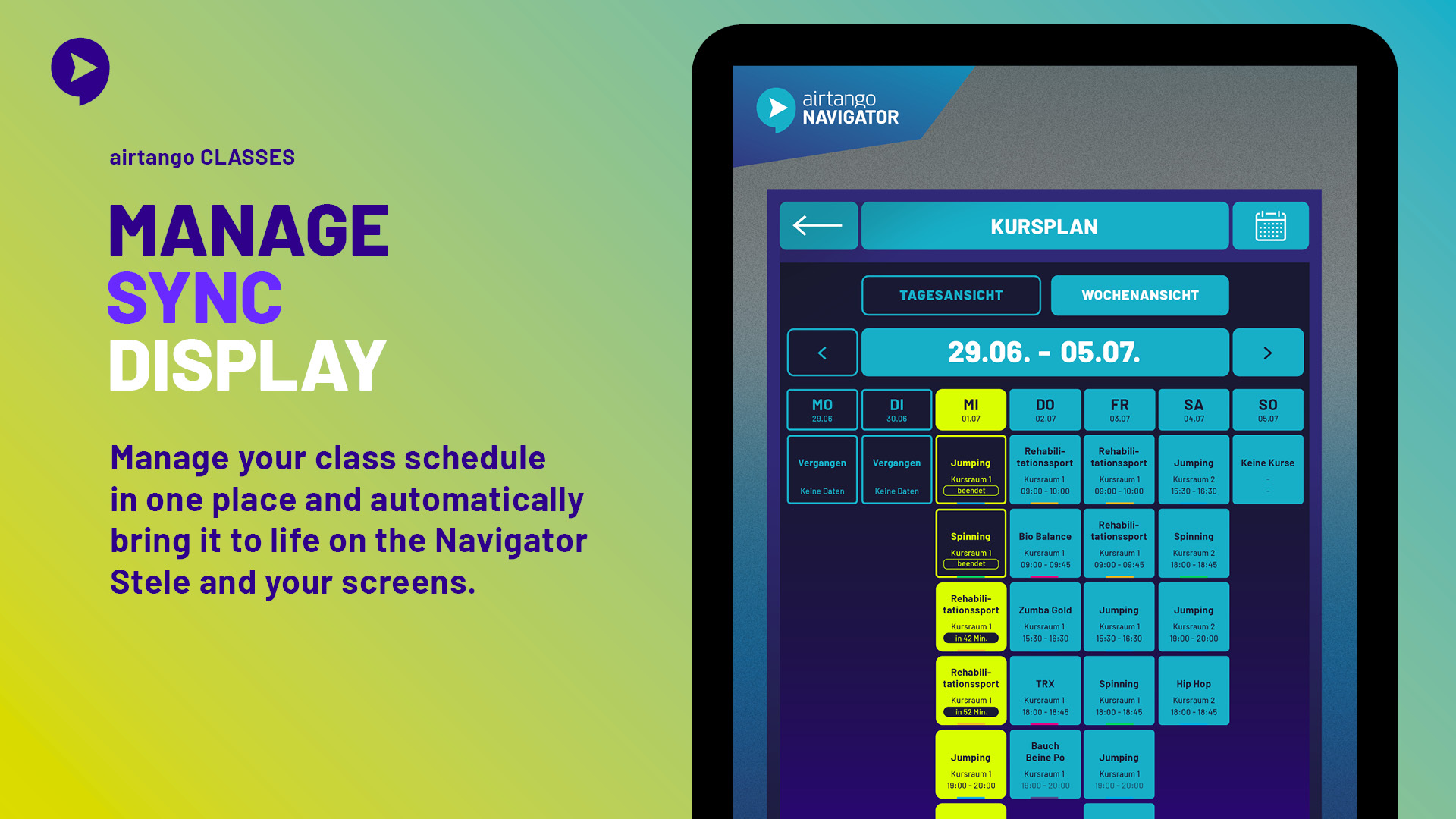
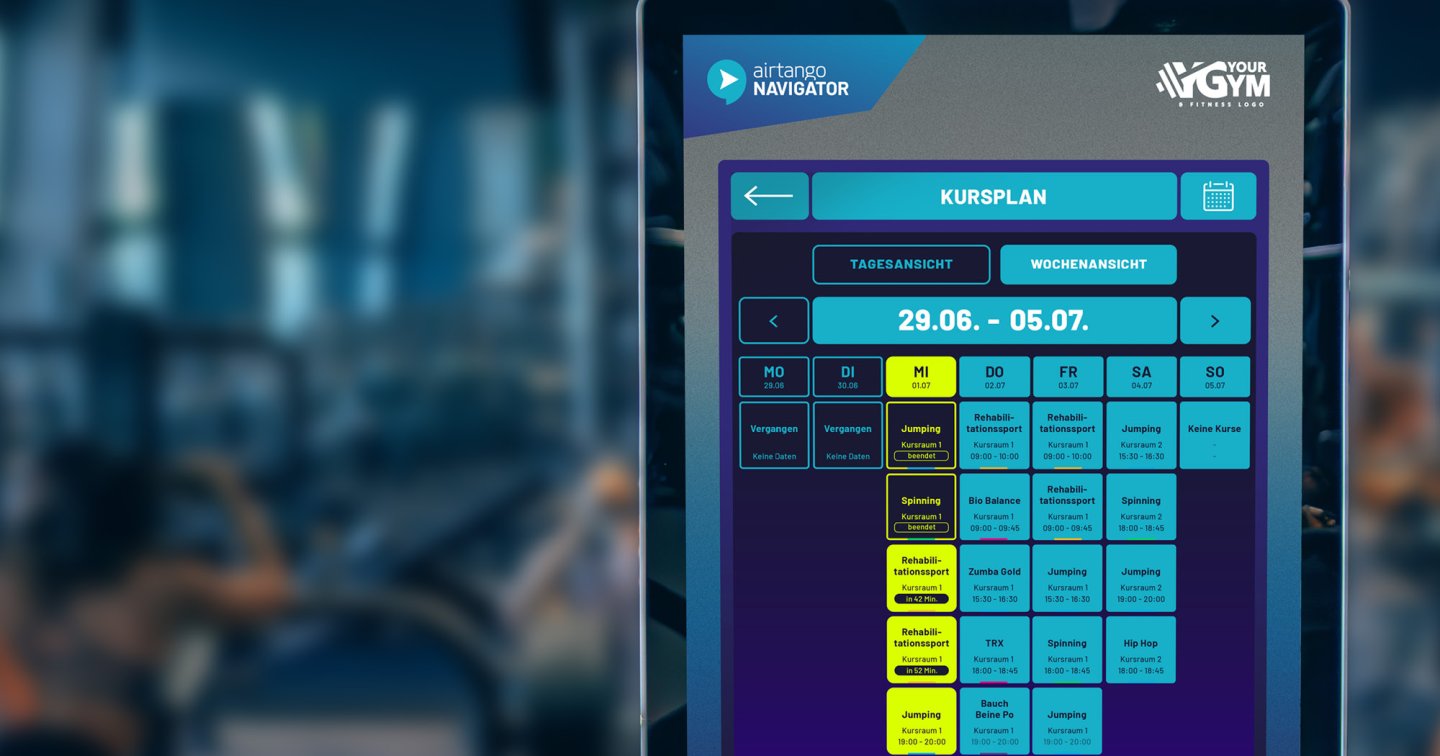
Class information is managed centrally in Magicline and automatically displayed via airtango Classes on the airtango Navigator Stele and connected screens.
On the Navigator Stele, members have access to an interactive Classes app. They can explore the current class schedule, select individual classes, and view additional information about each offering. Automatically displayed class clips also highlight the next five upcoming classes directly on the Navigator Stele.
Your class offering is also visible on screens throughout the studio. The complete schedule can be displayed in a clear weekly overview, while the next five upcoming classes are additionally highlighted through class clips.
Instead of maintaining class information across multiple systems, Magicline remains your central data source. Changes to the class schedule are made in Magicline and automatically made available through airtango Classes for digital display throughout the studio.
The result: less manual administration, up-to-date class information, and a modern, professional presentation of your class offering.
Benefits for you
Centralized management of your class information in Magicline
No unnecessary duplicate data maintenance
Interactive Classes app on the Navigator Stele
Up-to-date class information directly in your studio
Automatic promotion of the next five upcoming classes through class clips
Weekly class schedule overview on your screens
Increased visibility of your class offering throughout the training area
Detailed information on individual classes
Professional presentation of your class offering
Less manual communication effort for your team
Better orientation for members and prospects
Most relevant functionalities
Interactive Classes App on the Navigator Stele
Members can explore the current class schedule directly on the Navigator Stele, select classes, and access available detailed information.
Automatic Class Clips on the Navigator Stele
The next five upcoming classes are automatically highlighted, creating additional visibility for the current class offering.
Weekly Schedule View on Screens
The current class schedule is displayed on connected screens in a clear weekly view, making the full range of classes visible throughout the studio.
Next Five Classes on Screens
In addition to the weekly view, the next five upcoming classes are highlighted through Class Clips.
Centralized Data Management via Magicline
All relevant class information continues to be managed centrally in Magicline and is made available to airtango Classes via the integration.
Automatic Updates to Class Communication
Changes to relevant class data in Magicline are automatically reflected in airtango Classes. This eliminates the need to manually maintain the digital class schedule separately.
Detailed Class Information
Depending on the available data, information such as class name, date, time, category, room, and class description can be displayed.
Multiple Touchpoints from One Data Source
Centrally managed class data can be used for the interactive Classes App, Class Clips on the Navigator Stele, as well as the weekly schedule view and Class Clips on connected screens.
Set up interface
Unfortunately, the integration of airtango Classes isn't available for gyms located in your country () and therefore cannot be activated in the Magicline.
Please make sure that your Magicline package supports the setup of one or multiple partner integrations in order to activate this interface.
You're not yet using Magicline? Simply start the free demo or let yourself be convinced of the benefits of Magicline in a personal conversation.
Activate the integration
Setup by airtango within 1–2 days
Check the displayed class data for accuracy
(optional): Customize the position of the app on the airtango Navigator Stele