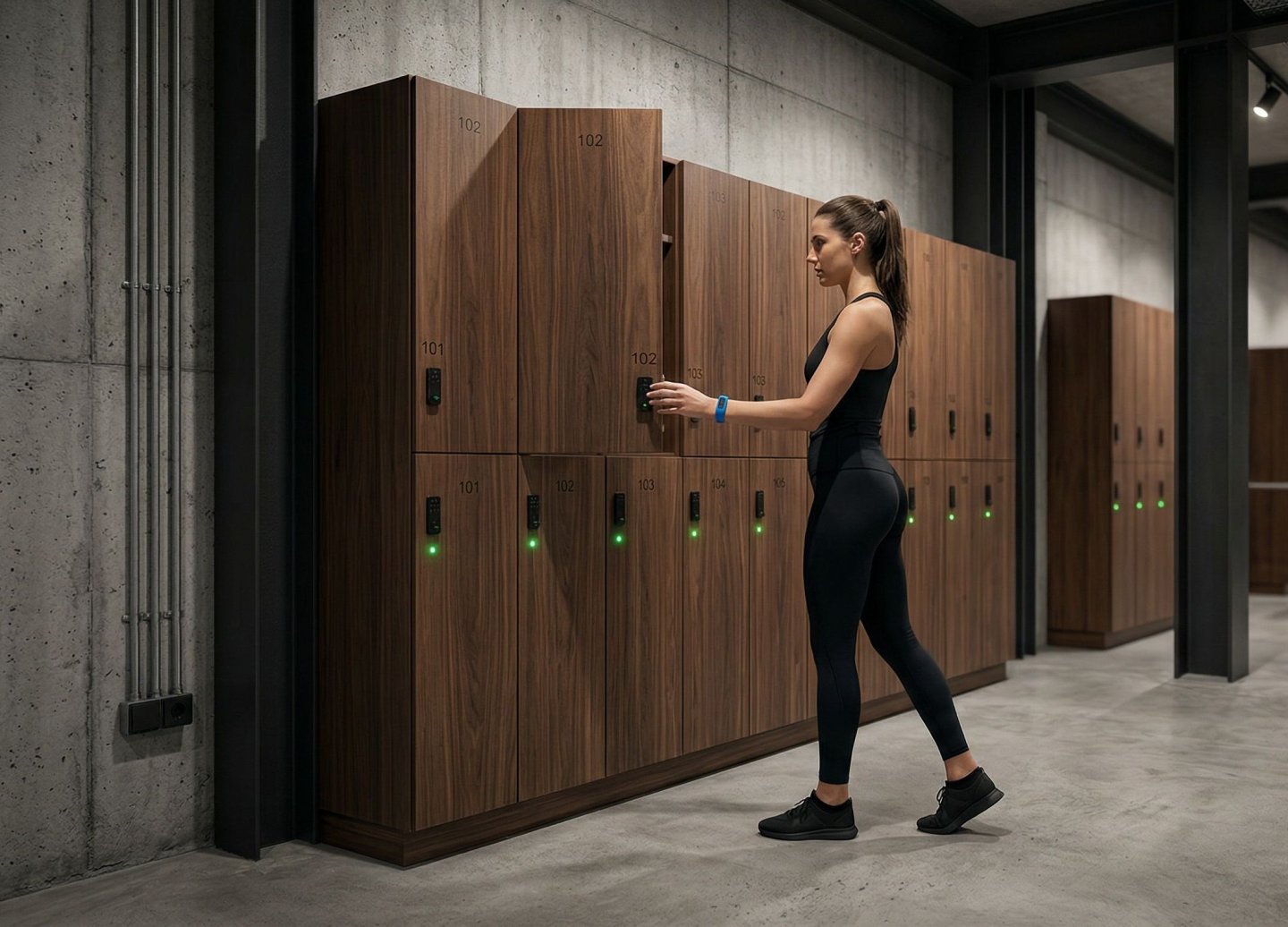

Über GymLock - Connected locker management for fitness clubs
Gymlock connects electronic lockers with Magicline and turns locker management into an integrated part of day-to-day club operations. Members can use existing RFID cards or wristbands, while authorisation and check-in-related workflows can be connected to existing Magicline processes.
Club staff can centrally view occupancy as well as physical door and lock status, identify the locker used by a member, and remotely open or release lockers where permitted. Configurable rules such as the maximum number of lockers a user may occupy at the same time help prevent multiple occupancy and lockers being permanently blocked.
Gymlock is designed for individual clubs as well as larger and multi-site installations. Its modular architecture allows typical installations to be set up without specially trained Gymlock installation personnel. Planning, installation and commissioning can also be provided as a full-service option for larger projects.
Normal locker operation does not permanently depend on an internet connection. Relevant operational and authorisation data is held locally on the Device Gateway. The central Gymlock Platform additionally provides monitoring, event history, roles and permissions, diagnostics and multi-location management.
Customer, user and system data stored or retained by the Gymlock cloud infrastructure is located within the European Union and handled by providers based in Europe.
Mehrwerte der Integration
Connect Magicline and locker management in one operational workflow
Use existing RFID cards and wristbands for locker access
Prevent multiple locker occupancy with configurable usage rules
Quickly identify the locker used by a member
Remotely open and release lockers by authorised staff
Centrally monitor occupancy and physical door and lock status
Manage multiple clubs and locker areas from one platform
Maintain normal locker operation during temporary internet interruptions
Modular, easy-to-install architecture from small clubs to multi-site deployments
EU data residency with European cloud providers
Wichtigste Funktionalitäten
- Magicline Integration
Connect Magicline check-ins and existing membership processes with Gymlock locker workflows
Use existing compatible RFID cards and wristbands
Keep Magicline as the existing club-management platform
- Locker Management
Free locker selection
Configurable maximum number of simultaneously occupied lockers per user
Permanent or time-based locker assignment
Centrally identify and release occupied lockers
Identify a member's forgotten locker
Remote opening by authorised staff
- Monitoring and Operations
Live locker occupancy overview
Monitor physical door and lock status
Event and activity history
Gateway and infrastructure status
Diagnostics and remote troubleshooting
- Permissions
Granular user, role and permission management
Master credentials for staff and service workflows
Time-controlled permissions
- Mobile Use
Mobile applications for staff and service operations
Open supported lockers through the app where configured
- Locations and Scale
Centrally manage multiple locker areas and club locations
Scale from small installations to large multi-site deployments
Optional high availability with redundant gateways
- Resilience and Data Protection
Local operation during temporary internet or cloud interruptions
EU data residency
Cloud services holding customer data provided by companies based in Europe
So richtest du die Schnittstelle ein
Leider ist die Integration von GymLock - Connected locker management for fitness clubs für Studios in deinem Land () nicht verfügbar und kann daher nicht in der Magicline aktiviert werden. Eine Übersicht aller in deinem Land verfügbaren Integrationen findest du hier.
Bitte stelle sicher, dass dein Leistungspaket der Magicline die Einrichtung einer oder mehrerer Partnerintegrationen unterstützt, um diese Schnittstelle aktivieren zu können.
Du nutzt noch nicht die Magicline? Starte einfach die kostenlose Demo oder lass dich in einem persönlichen Gespräch von den Vorteilen der Magicline überzeugen.
Create the Gymlock installation and configure the lockers, Device Hubs and Gateways.
Activate the Magicline integration for the relevant customer or location and authorise the required Open API access.
Assign the corresponding Magicline club locations to the Gymlock installation.
Configure the required locker rules in Gymlock, for example free locker selection, maximum simultaneous locker occupancy and staff permissions.
Perform a test check-in and locker transaction and verify data exchange between Magicline and Gymlock.
After successful testing, enable the integration for regular operation.
Gymlock Support can assist with setup, configuration and commissioning where required.